Mobile apps, in-session drawing, and smarter AI analysis
iOS and Android apps
Social RV is now available as a native app on iOS and Android. Practice remote viewing from your phone or tablet with the same targets, sessions, and community features you already use on the web.


Draw your session on web or iPad
You can now sketch your remote viewing session directly in the app instead of uploading a photo or scan.
On web and Android, use the built-in drawing canvas with stylus, mouse, or touch. Add multiple pages, pick pen colors and widths, and your work autosaves so you can come back to it later.
On iOS, open the native canvas powered by Apple Pencil and PencilKit for a smooth, pressure-sensitive drawing experience.
You can draw, upload files, or do both in the same session.
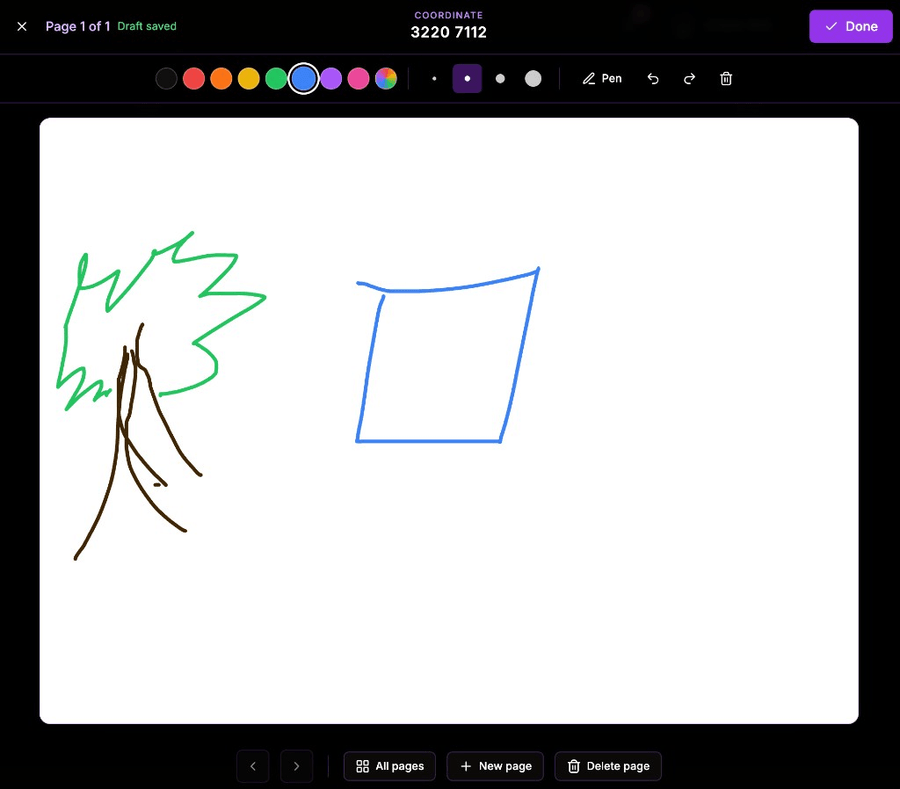
The in-app drawing canvas on web, with your session coordinate at the top for easy reference.
A new generation of AI scoring
We shipped two new AI judges that score every submitted session:
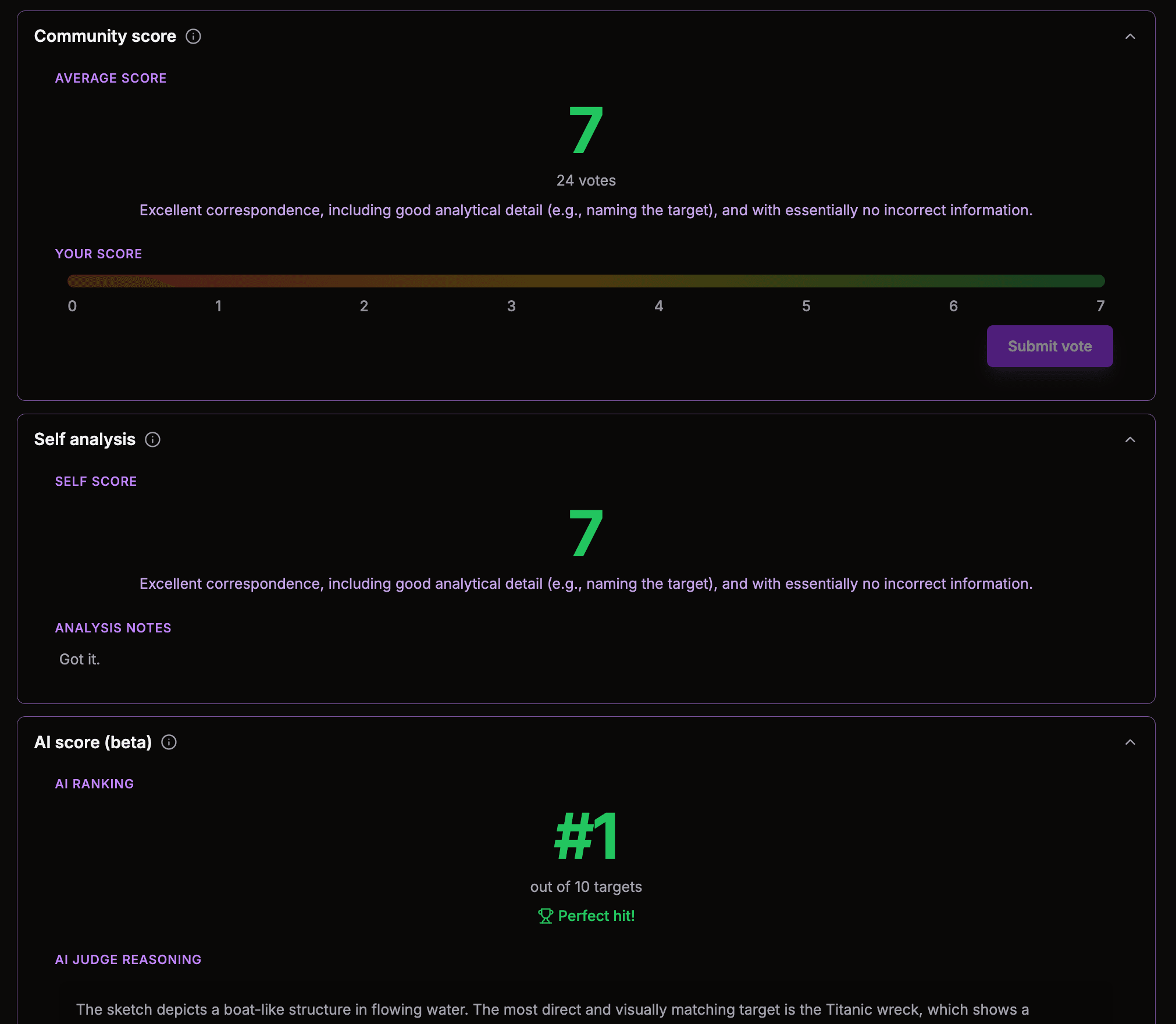
TARG judge — Rates how closely your session matches the revealed target on the familiar 0–7 TARG scale, the same scale used for self and community scores. You get a score plus written analysis of what matched and what did not.
V2 decoy judge — A blind ranking test. The judge sees your session alongside 10 candidate targets (the real one shuffled in with 9 decoys) and ranks them by fit. A rank of #1 means your session pointed at the real target more strongly than at any decoy.
Redesigned AI analysis panel
Both judges now live in a single, redesigned analysis section on the session page. We added new graphics and plain-language descriptions so it is easier to understand what each judge is actually measuring:
- A TARG level ladder shows where your target match score sits on the 0–7 scale
- A ranked-list visualization shows how the blind judge ordered all 10 candidates
- Short summaries and info popovers explain each score in everyday terms, without needing to know the underlying methodology
AI reasoning is still available when you want the full breakdown, collapsed by default so the results stay easy to scan.
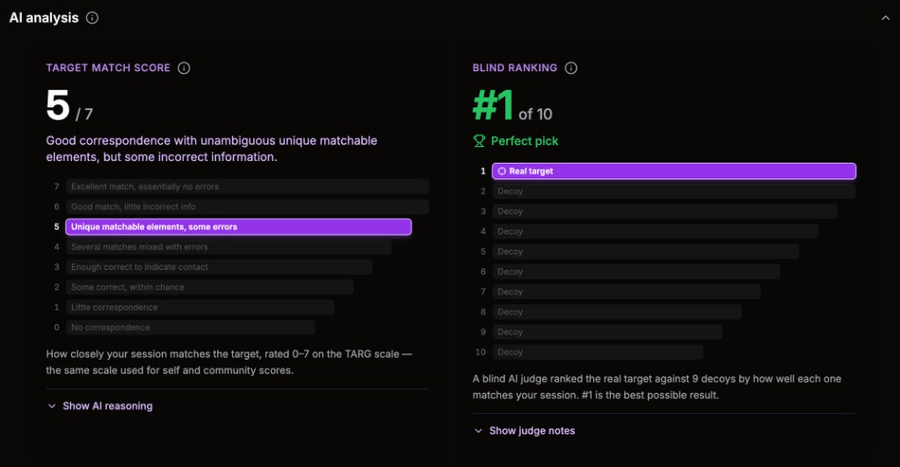
The redesigned AI analysis panel with the TARG level ladder and blind ranking visualization.
Your other sessions for this target
After you complete a session, a new section on the session page lists your other attempts at the same target. Compare impressions across tries, including private sessions only you can see.
Pick a specific target for group sessions
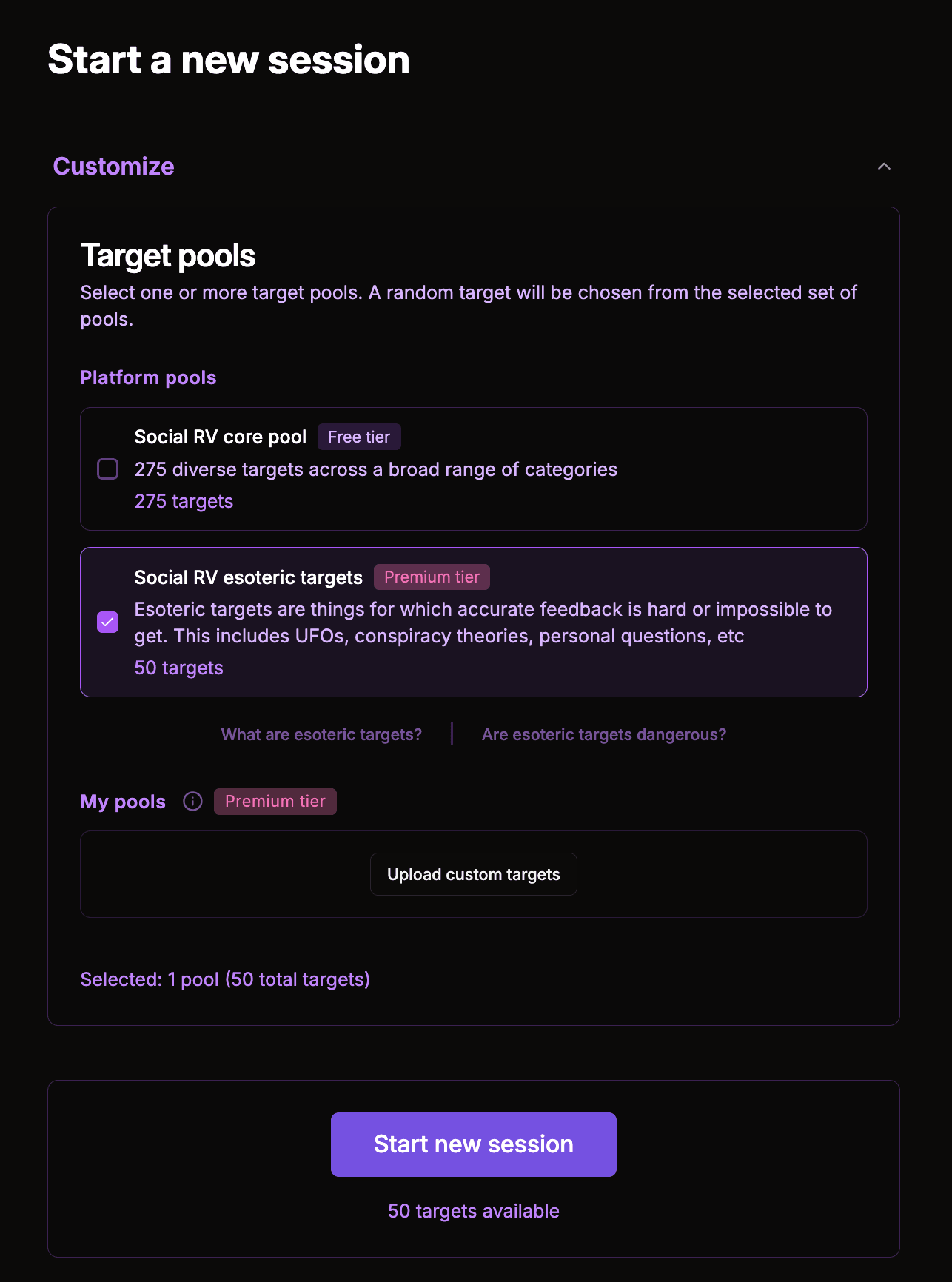
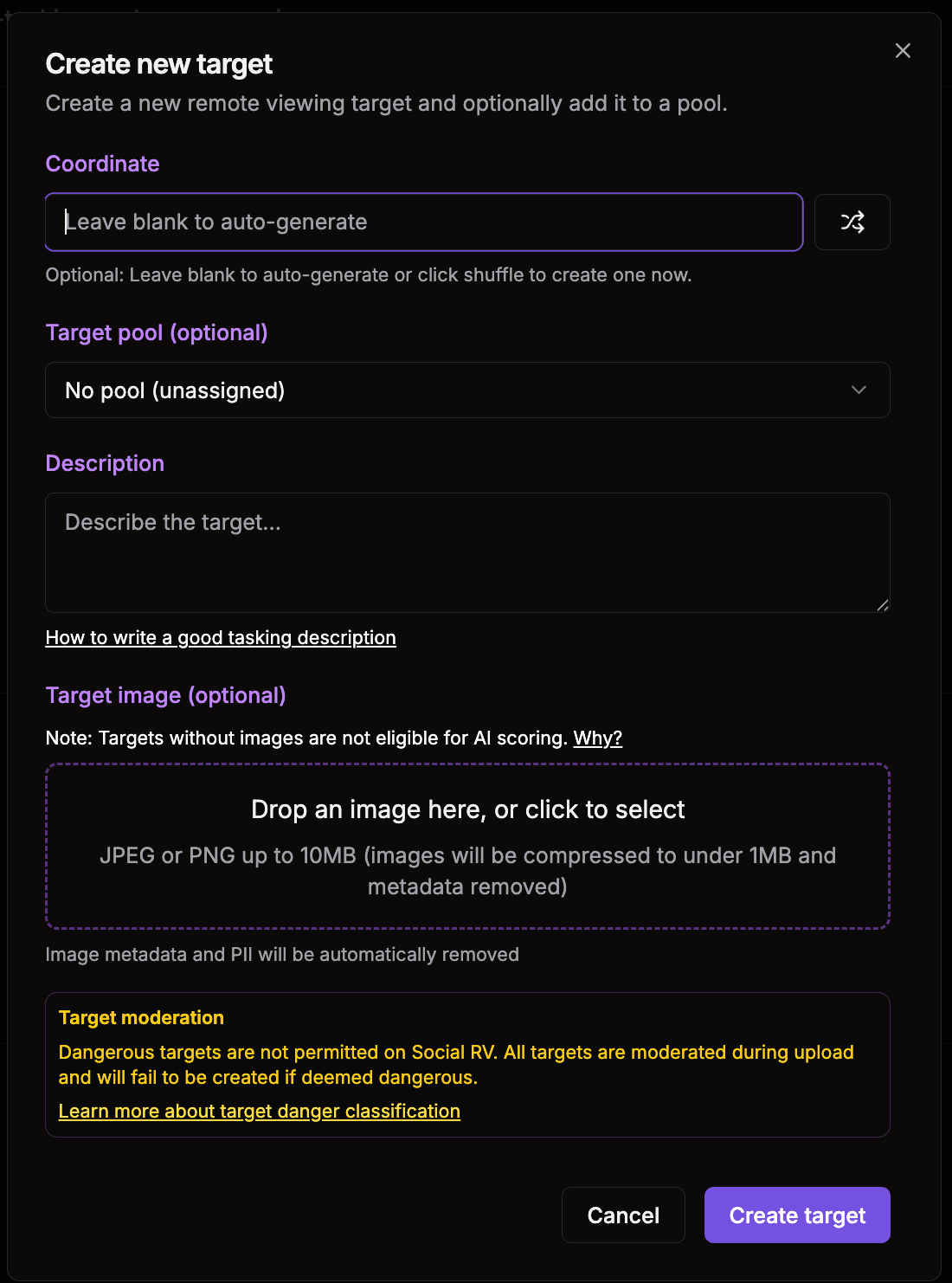
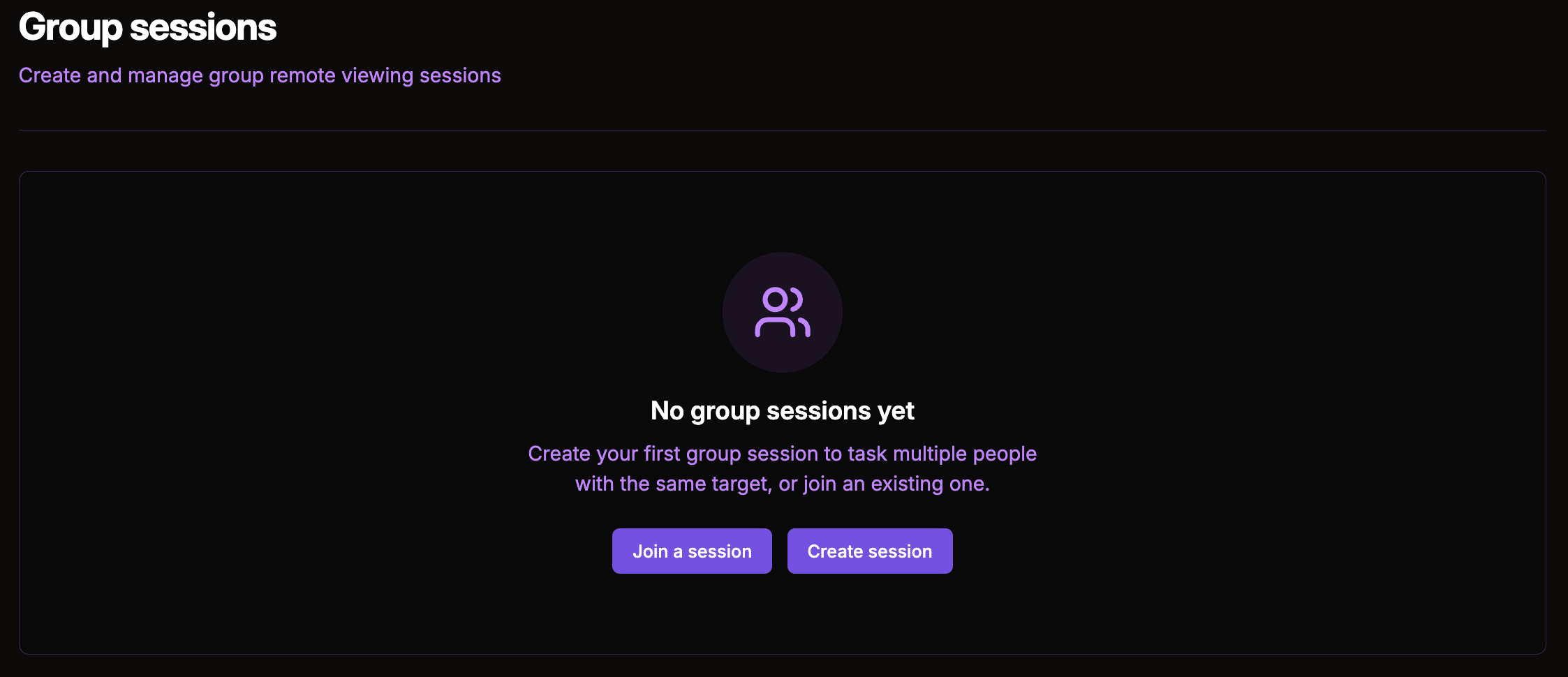
Group session creators can now choose the target instead of drawing one at random. Pick from your custom targets or from a pool, so classes, practice groups, and coordinated sessions can work on exactly the target you have in mind.
Settings page revamp
The settings page has been reorganized into clear sections with cards for:
- Account — subscription and billing details
- Notifications — email preferences and push notifications (on native apps)
- On this device — HealthKit or Health Connect meditation sync, and the iOS practice streak widget
- Privacy — session visibility and research participation
Everything you need to manage your account is in one place.